


Creating a cozy and functional home workspace is essential for anyone who spends significant time working or studying from home. A well-designed workspace not only enhances productivity but also promotes a comfortable and inviting atmosphere that makes working more enjoyable. Whether you have a dedicated room or a small corner, these tips will help you transform your space into an ideal work environment.
Choose the Right Location
Selecting a suitable spot for your workspace is the first step. Ideally, find a quiet area with minimal distractions. If possible, pick a space near a window to benefit from natural light, which can improve mood and reduce eye strain. If your home is small or shared, look for areas that you can dedicate specifically to work, such as a spare bedroom, an unused corner, or even a section of the living room.
Invest in Comfortable and Supportive Furniture
Your furniture plays a crucial role in comfort and functionality.
Desk
Choose a desk that fits the space and meets your work needs. It should be large enough to hold your computer, essential supplies, and any other equipment you regularly use. If space is tight, consider wall-mounted or foldable desks.
Chair
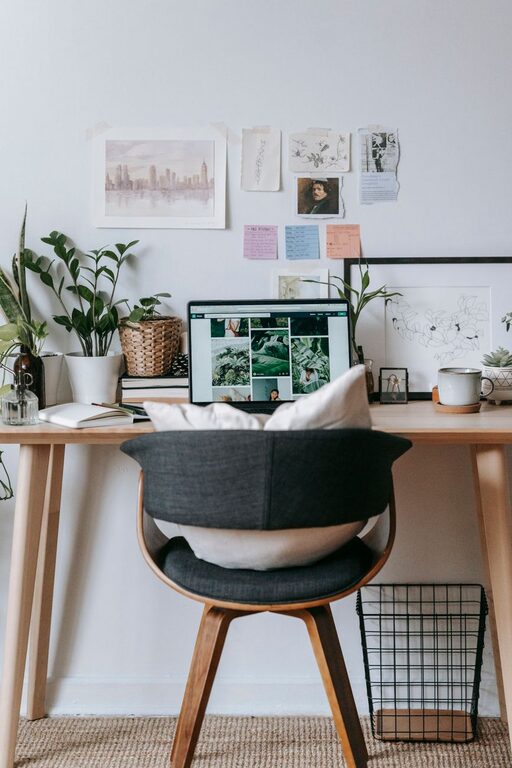
A comfortable, ergonomic chair supports good posture and reduces the risk of back discomfort. Look for features like adjustable height, lumbar support, and cushioning. Investing in a quality chair pays off in long-term comfort.
Optimize Lighting
Good lighting reduces eye strain and sets the mood. Natural light is best, so position your workspace near windows if you can. Supplement with soft, adjustable artificial lighting, such as desk lamps or floor lamps that provide warm, diffused light.
Avoid harsh overhead lighting and glare on your screen by using blinds or curtains. LED bulbs with adjustable brightness and color temperature are ideal because they can be tailored to your preferences.
Organize and Declutter
A tidy workspace promotes focus and efficiency.
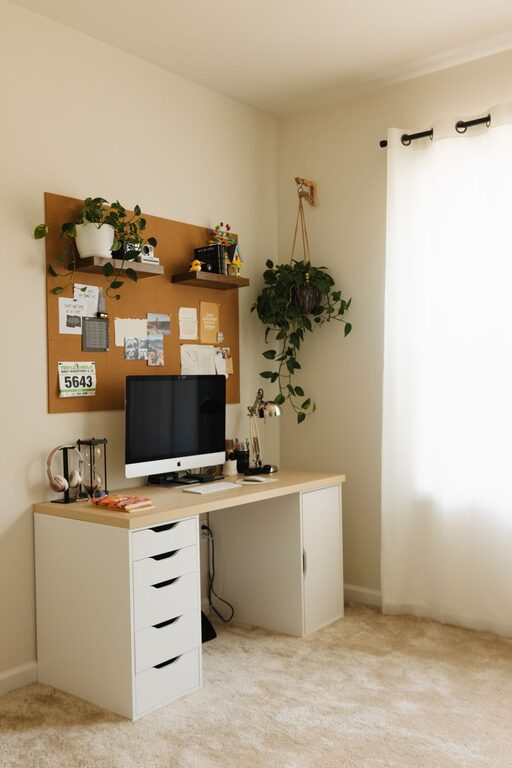
– Use Storage Solutions: Drawers, shelves, and filing cabinets keep your supplies organized and out of the way.
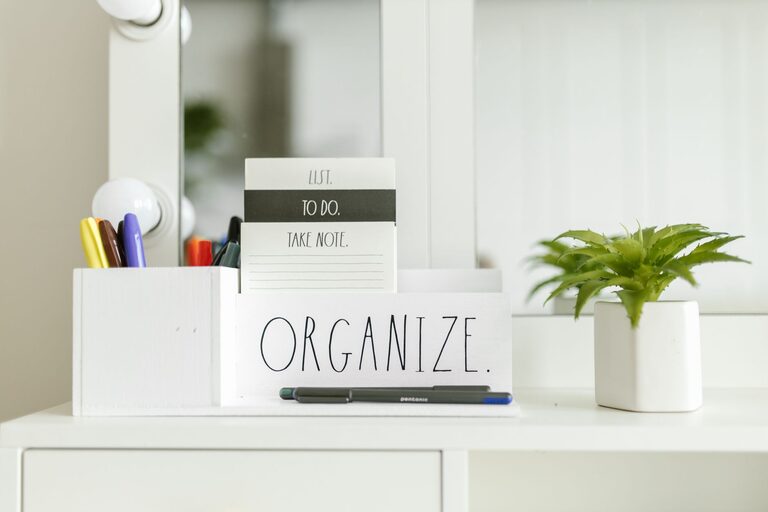
– Employ Desk Organizers: Trays, pen holders, and cable organizers prevent clutter on your desktop.
– Keep Only Essentials on Your Desk: Limit items to those you use daily to maintain a clean surface.
– Regularly Declutter: Set time each week to tidy your workspace and discard unnecessary items.
Personalize Your Space
Adding personal touches makes your workspace inviting and motivating.
– Decorate with Plants: Small indoor plants improve air quality and add a natural element.
– Use Artwork or Photos: Display pictures or art that inspires you.
– Choose a Color Scheme You Like: Calming colors like soft blues and greens create a relaxed environment, while brighter colors can energize.
Pay Attention to Technology Setup
Set up your devices and accessories efficiently to avoid frustrations.
– Arrange Your Monitor(s) at Eye Level: This helps prevent neck strain.
– Use a Wireless Keyboard and Mouse: It creates a tidier desk surface.
– Employ a Docking Station: If you use a laptop, a docking station can streamline connections.
– Ensure Reliable Internet Connectivity: Use a strong Wi-Fi signal or wired connection for stable performance.
Manage Noise Levels
Noise can be a major distraction.
– Use Noise-Canceling Headphones or Earbuds: These help block out background sounds.
– Consider White Noise Machines: Gentle background noise can improve concentration.
– Soundproof Your Space: Heavy curtains, rugs, and soft furnishings absorb sound.
Establish a Routine and Boundaries
A cozy and functional workspace is most effective when paired with healthy work habits.
– Set Working Hours: Having defined start and end times helps maintain work-life balance.
– Take Regular Breaks: Stand, stretch, and rest your eyes every hour.
– Communicate Boundaries: If you share your home, make sure others know when you are working to minimize interruptions.
Keep Comfort Items Handy
Small comforts can improve your workday experience.
– Have a Water Bottle Nearby: Staying hydrated is important.
– Use a Comfortable Throw or Cushion: Adds coziness without compromising posture.
– Consider a Small Fan or Heater: Maintain a comfortable temperature year-round.
—
Designing a home workspace that blends comfort and practicality takes some planning but can dramatically improve your daily routine. By focusing on the right location, comfortable furniture, good lighting, organization, and personal touches, you can create a space that supports productivity while feeling inviting. Remember that your workspace should reflect your preferences and adapt as your needs change. Happy working!